In the rush to keep clients satisfied and businesses moving forwards, it’s all too easy to neglect the very backbone that holds it together: your IT department. Keeping legacy systems limping on with sticky-tape fixes can appear pragmatic—until the moment they buckle under pressure.
Recognising when your IT’s past its sell-by date is crucial. Here are five unmissable signs that it’s time to upgrade, along with practical advice for moving forwards.
1. Plummeting Performance and System Instability
If your team spends more time waiting for screens to load than actually working, your infrastructure is in trouble. Slow boot times, frequent crashes, and recurring downtime are classic signs of aging IT. According to industry research, server performance decreases by around 14% each year, so by year five, a server’s running at less than half its original speed. What does this look like day-to-day? Endless moaning about laggy systems, delays chasing updates, sales lost to screen freezes, and frustrated customers held in digital limbo.
Don’t dismiss it as a minor irritation. Poor system performance undermines productivity, breeds staff discontent, and, if left unchecked, eventually costs you clients. Review service desk logs and user feedback—rising complaints are a strong predictor of underlying tech trouble.

Takeaway: If your people keep flagging slow or unreliable tech, that’s your wake-up call to review your infrastructure and consider smarter solutions.
2. Security Vulnerabilities and Compliance Gaps
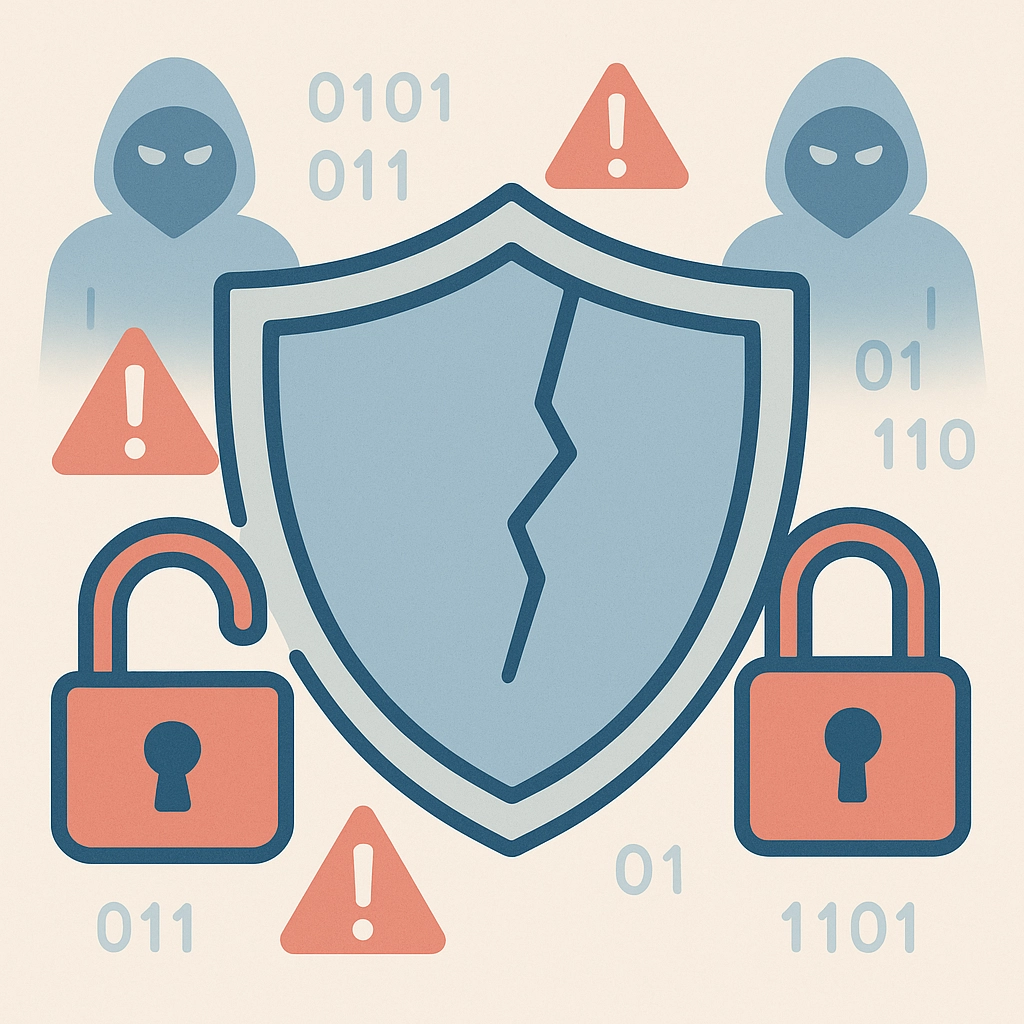
Cyber threats are moving at a dizzying pace, but old infrastructure? Not so much. Outdated servers and unsupported software are notorious magnets for cybercriminals. Without the latest patches, firewalls, and encryption tools, your business becomes easy prey.
It’s not just about hackers, either. Regulatory obligations—like GDPR and sector-specific compliance—require up-to-date security controls and robust audit trails. If your IT systems haven’t seen a major update in years, chances are they’re riddled with unpatched vulnerabilities that could leave client data exposed. The result? Fines, legal headaches and a dented reputation that’s hard to shake.
Key questions to ask:
- When was your last full system audit?
- Are your systems still supported by vendors?
- Do you grudgingly accept regular “minor” breaches as the cost of doing business?
If your answers don’t inspire confidence, schedule a security review. Consider an external IT audit to gain an objective picture of your real exposure.
3. Incompatibility with Modern Tools and Cloud Solutions
Modern business demands integration and agility—so what happens if your IT can’t play ball? Outdated platforms often struggle with modern collaboration tools, leading to clunky workarounds, patchy video calls and missed opportunities for automation. Legacy software might not even integrate with new finance systems, CRMs or cloud apps, forcing teams into endless manual tasks that more modern competitors automate with ease.
A telltale sign of trouble: skipping essential software updates because “the current system can’t handle it”. Or worse, relying on ancient browsers to access key business tools that were meant for mobile or cloud-first environments. This isn’t just frustrating; it’s a productivity drag and, ultimately, a competitive disadvantage.
Why it matters: Businesses operating with the best tools win on speed, accuracy, and collaboration. If your IT can’t connect or scale with new technologies, it’s hampering your growth. Time to upgrade to a flexible infrastructure that supports cloud adoption, digital transformation, and process automation.
4. Skyrocketing Maintenance and Support Costs
How much of your IT budget vanishes on emergency callouts, part replacements and duct-tape fixes? Older systems might seem like a cost-saving option, but the numbers rarely add up. The costs of keeping outdated infrastructure running—frequent breakdowns, support hours, energy usage—soon outstrip the investment needed for modern, reliable alternatives.
If your IT support is spending more time maintaining what you’ve already got, rather than delivering improvements or innovation, then you’re not getting value for money. The “hidden” costs—frustrated staff, delayed projects, and lost deals—are even higher.
A few checkpoints:
- Has your support contract doubled but system reliability stayed flat?
- Are you buying compatible parts off eBay because the manufacturer no longer sells them?
- Is your IT team tied up fixing endless issues instead of driving new initiatives?
The solution: Track your costs closely and compare with the projected outlay for a modern system. Often, the numbers make a strong case for investing in an upgrade that will pay back quickly with lower running expenses and far higher performance.
Check out our IT consulting and advisory services for cost-benefit analysis support.
5. Scalability Issues Blocking Business Growth
Your IT should enable growth, not limit it. If onboarding new team members, launching a new service, or opening a branch means your IT grinds to a halt, that’s a clear sign you’ve outgrown your legacy infrastructure.
Common symptoms include:
- Long lead times to set up user accounts or deploy new software.
- Inability to support hybrid or remote work, especially at peak times.
- Struggling to integrate new cloud services or scale bandwidth as your team expands.
Scalability isn’t just about “more users”—it’s about flexibility. Modern, cloud-based systems can flex up (or down) rapidly, enabling business agility in response to changing markets.

Key advice: If your existing systems can’t scale, you risk missing out on bigger clients, new talent, and competitive opportunities. Upgrading your IT infrastructure puts you back in control and ready for what comes next.
Practical Steps – Where to Start?
- Audit your current IT landscape. A clear view of your strengths and weaknesses is essential. Consider a professional IT audit for objective insights.
- Prioritise security. Never skip this step—review and act on known vulnerabilities and ensure compliance with current regulations.
- Plan for future growth. Build in flexibility by considering cloud-first or hybrid solutions that scale in line with your ambitions.
- Involve your people. Listen to user complaints and suggestions; they’re the earliest warning system for things going wrong.
Additional Reading and Resources
For deeper dives on IT upgrades and digital transformation:
- How interim CIOs can transform your business
- Future-proof your company: The rise of innovative value-driven interim leadership
- Digital transformation consultancy services
YouTube Insights
External Sources
- National Cyber Security Centre (NCSC) – Small Business Guide
- Harvard Business Review – Why You Should Modernise Your IT Stack
Final Thought
If any of these five signs sound familiar, take heart: you’re not alone, and the solution is well within reach. IT transformation isn’t about having the shiniest new kit—it’s about enabling your business to thrive securely, efficiently and at scale. Don’t let slow, outmoded systems hold you back. Now’s the moment to act.
Find out how Leadership Services can help you take the next confident step: contact us today.