TL;DR
Workflow automation software connects your systems and runs repeatable business processes — approvals, data entry, notifications, reporting — without manual copying and chasing. For UK businesses the main choices are automation built into platforms you already use, general integration tools that link many apps, low-code process platforms, and robotic process automation for older systems. The right choice depends on your systems, volumes, data sensitivity and who will maintain the workflows, not on feature lists.
Last updated: 21 October 2026
Workflow automation software is one of the quickest ways for an operations manager to give hours back to a team. Most growing businesses run on a patchwork of systems — a CRM, an accounts package, an ERP or job system, shared inboxes and spreadsheets — and people spend a surprising part of the week moving information between them.
Smaller firms are falling behind on this. The government's Technology Adoption Review, published in June 2025, found that 68% of large accountancy and consulting firms used AI compared with just 15% of small firms, and identified integration with legacy technology, skills and cyber security concerns as recurring barriers to adoption. Workflow automation is often the practical first step that closes that gap.
This buyer's guide explains the main types of workflow automation software, what to look for, how to run a selection, and how to avoid creating a tangle of automations nobody understands.
What is workflow automation software?
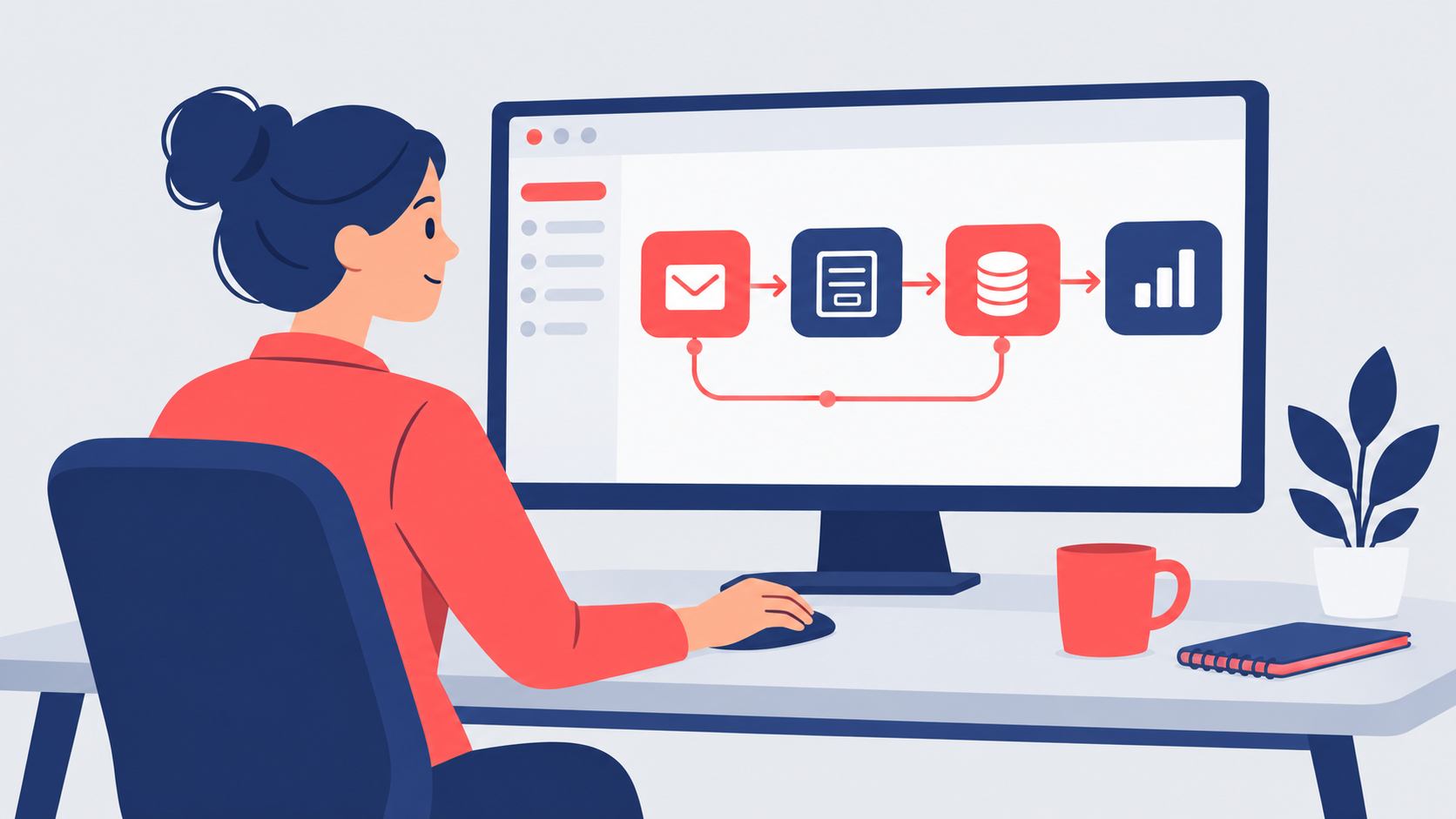
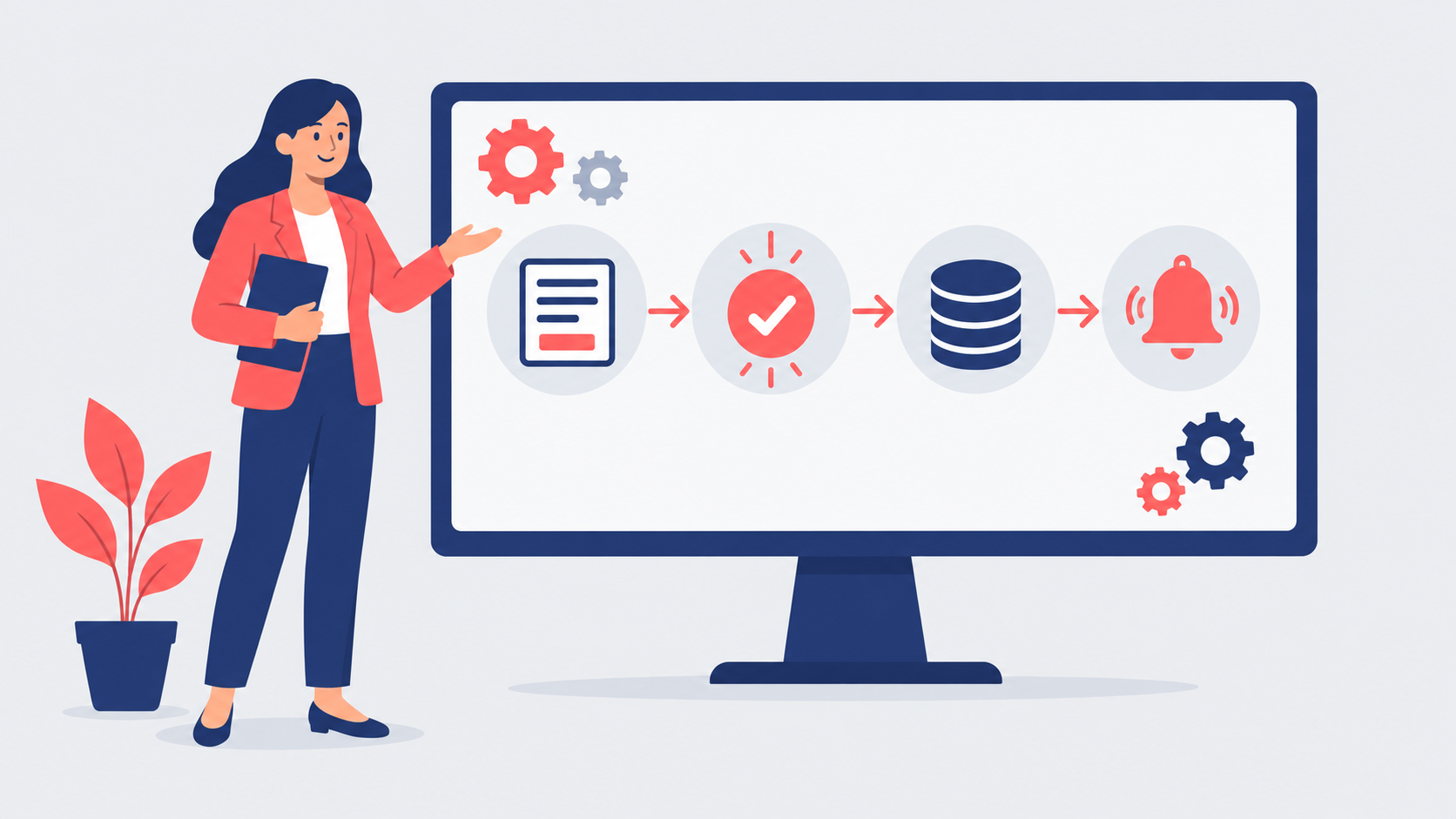
Workflow automation software lets you define a process as a set of triggers, rules and actions. A trigger starts the workflow — a form submission, a new invoice, an email, a date. Rules decide what happens next. Actions update systems, create tasks, send messages or request approvals. Once built, the workflow runs the same way every time and keeps a record of what happened.
There are four broad types. Built-in automation inside platforms you already license, such as your Microsoft 365, CRM or finance system, is often the cheapest starting point. General integration tools connect hundreds of cloud apps through ready-made connectors; our n8n automation guide covers one popular option that can also be self-hosted. Low-code process platforms suit multi-step approvals with forms and dashboards. Robotic process automation mimics a person clicking through screens, which is useful for older systems without modern interfaces.
Many businesses end up using more than one type. The important thing is to choose deliberately, avoid paying twice for overlapping tools, and keep a clear map of what runs where.
The benefits of workflow automation software
Chosen and governed well, workflow automation delivers practical gains:
- Time back — removing re-keying, chasing and copy-and-paste between systems.
- Fewer errors — data entered once and passed on accurately.
- Faster cycle times — approvals, quotes and onboarding completed in hours rather than days.
- Visibility — every step logged, so managers can see where work is stuck.
- Consistency — processes followed the same way regardless of who is on holiday.
- Scalability — handling more volume without adding administrative headcount at the same rate.
- A foundation for AI — clean, connected workflows are where AI steps add most value.
How to choose workflow automation software
Start with three or four real processes, not a vendor demo. Map each one, the systems it touches, the volumes and the data involved. Our guide to business process automation for SMEs explains how to pick the first candidates. Then test shortlisted tools against those processes, including the awkward exceptions.
Assess each option on connectors for your actual systems, pricing at your expected volumes, ease of building and changing workflows, error handling and alerts, user permissions and audit logs, where data is stored, and the supplier's own security. The NCSC's supply chain security guidance is a useful checklist for assessing a software supplier, and the ICO's accountability guidance means you must be able to show what personal data each workflow processes.
Picture a 90-person facilities services company whose job requests arrive by email and phone and are typed into three systems. After mapping the process, it finds its existing Microsoft 365 licences cover most of what it needs, adds a general integration tool for the link to its job system, and automates request logging, engineer allocation and customer updates. Office staff stop re-keying jobs, and customers receive a confirmation within minutes rather than the next day. Because the company started from tools it already owned, the extra software cost was small, and the operations manager now has a simple dashboard showing every open job and where it is waiting.
Avoiding automation sprawl
The biggest long-term risk is not choosing the wrong tool but losing control of what has been built. Workflows created by enthusiastic individuals, with personal logins and no documentation, break silently when someone leaves or a system changes. Agree standards early: who can build, how workflows are named and documented, which service accounts they use and how changes are tested. Keep a simple register of every live automation, its owner and the systems it touches, and review it whenever a system is upgraded or replaced.
Give one senior person ownership of the automation estate and review it regularly. As automations grow more connected, our guide to AI integration services covers the next step. Our AI consultancy service and the technology and operations leaders on our bench can run a tool selection, set those standards and oversee delivery.
Frequently asked questions
What is the best workflow automation software for a small business?
How much does workflow automation software cost?
Is workflow automation the same as RPA?
Do we need IT to run workflow automation?
How long does it take to automate a workflow?
Ready to automate your workflows?
Leadership Services gives UK scale-ups access to a bench of 500+ senior directors, including technology and operations leaders who can choose the right workflow automation software, set the standards and deliver the first automations. Engagements start from £1,795 per month, begin within one week and have no long-term tie-ins — get in touch and we will respond the same working day.