TL;DR
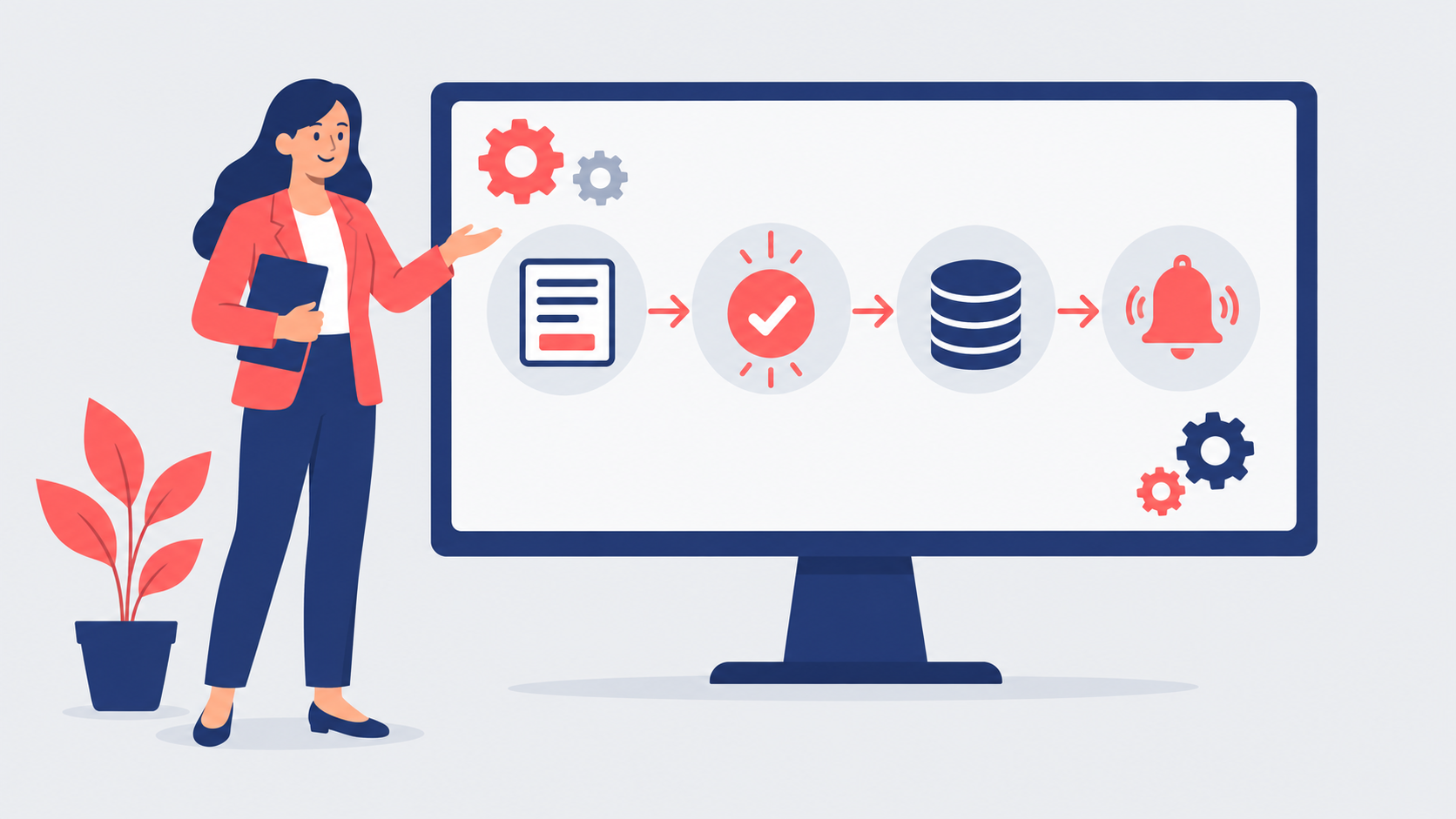
n8n automation lets a business connect its apps and data into visual workflows — for example, taking a web enquiry, enriching it, adding it to the CRM and alerting the sales team — without writing a full software application. It can run as a hosted service or on your own servers, and it is priced by workflow runs rather than per step. It is a strong choice for UK SMEs that want flexible, AI-ready automation, provided someone owns the workflows, security and data protection.
Last updated: 12 October 2026
n8n automation has become one of the most talked-about tools among operations managers who are tired of copying data between systems. Orders arrive by email and are keyed into the ERP. Leads land in a web form and wait for someone to add them to the CRM. Month-end reports are stitched together from five spreadsheets. Each job is small, but together they eat days every month.
Workflow automation tools promise to take that work away. n8n stands out because it can be self-hosted, connects to almost any system with an API, and has strong support for AI steps such as summarising documents or classifying emails. That flexibility is also why it needs a little more thought than a simple plug-and-play tool.
This practical guide explains what n8n is, what it is good for, how a first project works, and what to put in place so automation helps rather than creates new risks.
What is n8n automation?
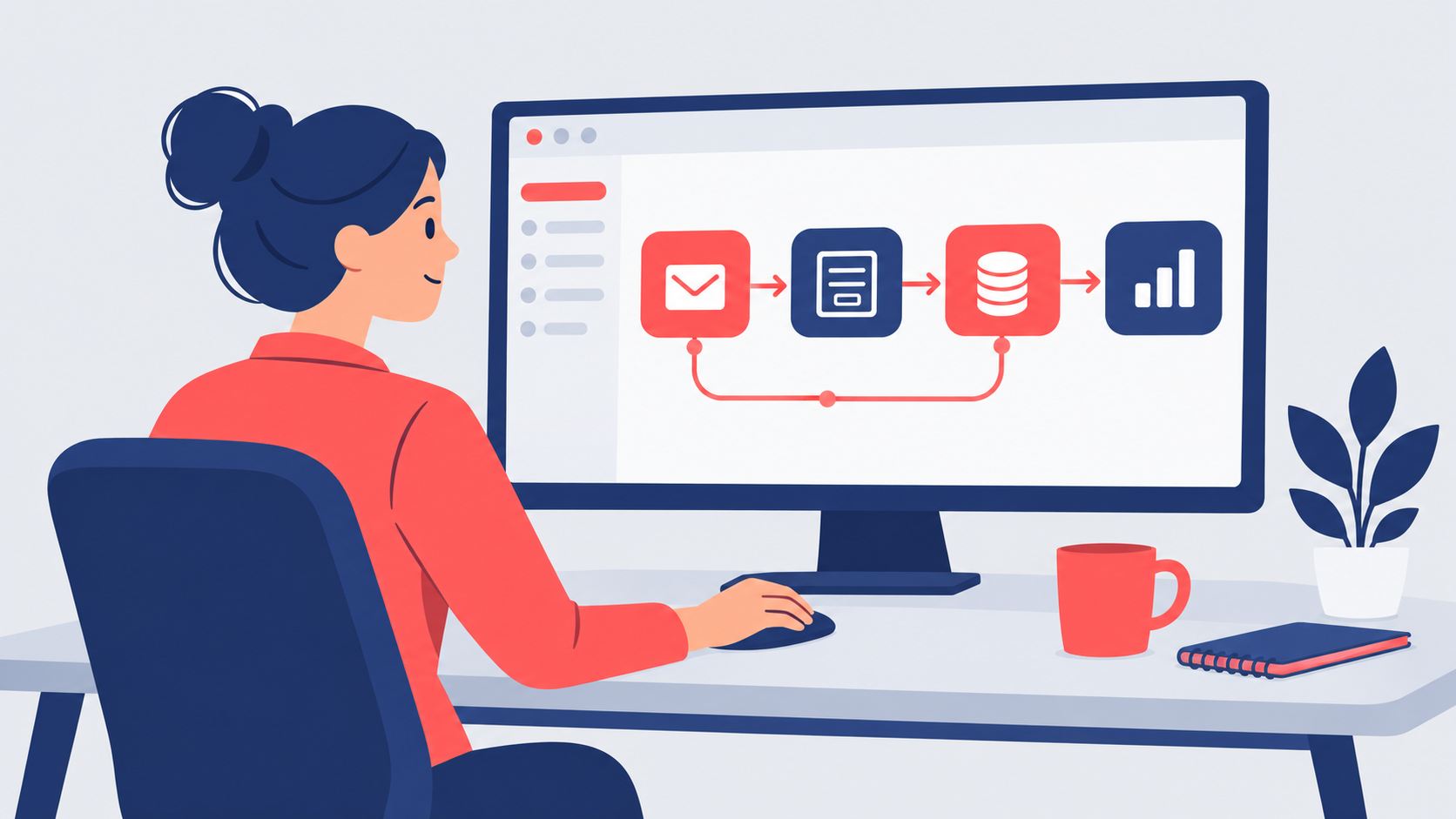
n8n is a workflow automation platform. You build workflows on a visual canvas by linking nodes: a trigger (a new form submission, an incoming email, a schedule), followed by steps that fetch, transform and send data between applications. Where a ready-made connector does not exist, you can call any web API directly or add a short piece of code.
There are two ways to run it. n8n's hosted plans are managed for you, with data stored in the EU on servers in Frankfurt, and are priced on monthly workflow executions — one execution is one complete run of a workflow, however many steps it has. Alternatively, the n8n hosting documentation explains how to self-host the free Community edition on your own infrastructure or private cloud, with paid licences for business and enterprise features.
For an IT director, self-hosting means data never leaves your environment and costs stay predictable at high volumes. The trade-off is that your team, or a provider, becomes responsible for updates, backups and security.
What n8n automation is good for
The best early wins are repetitive, rules-based tasks that touch several systems:
- Lead handling — capturing web and email enquiries, de-duplicating them, adding them to the CRM and alerting the right person.
- Order and invoice processing — reading incoming documents, extracting key fields and posting them to finance or ERP systems for review.
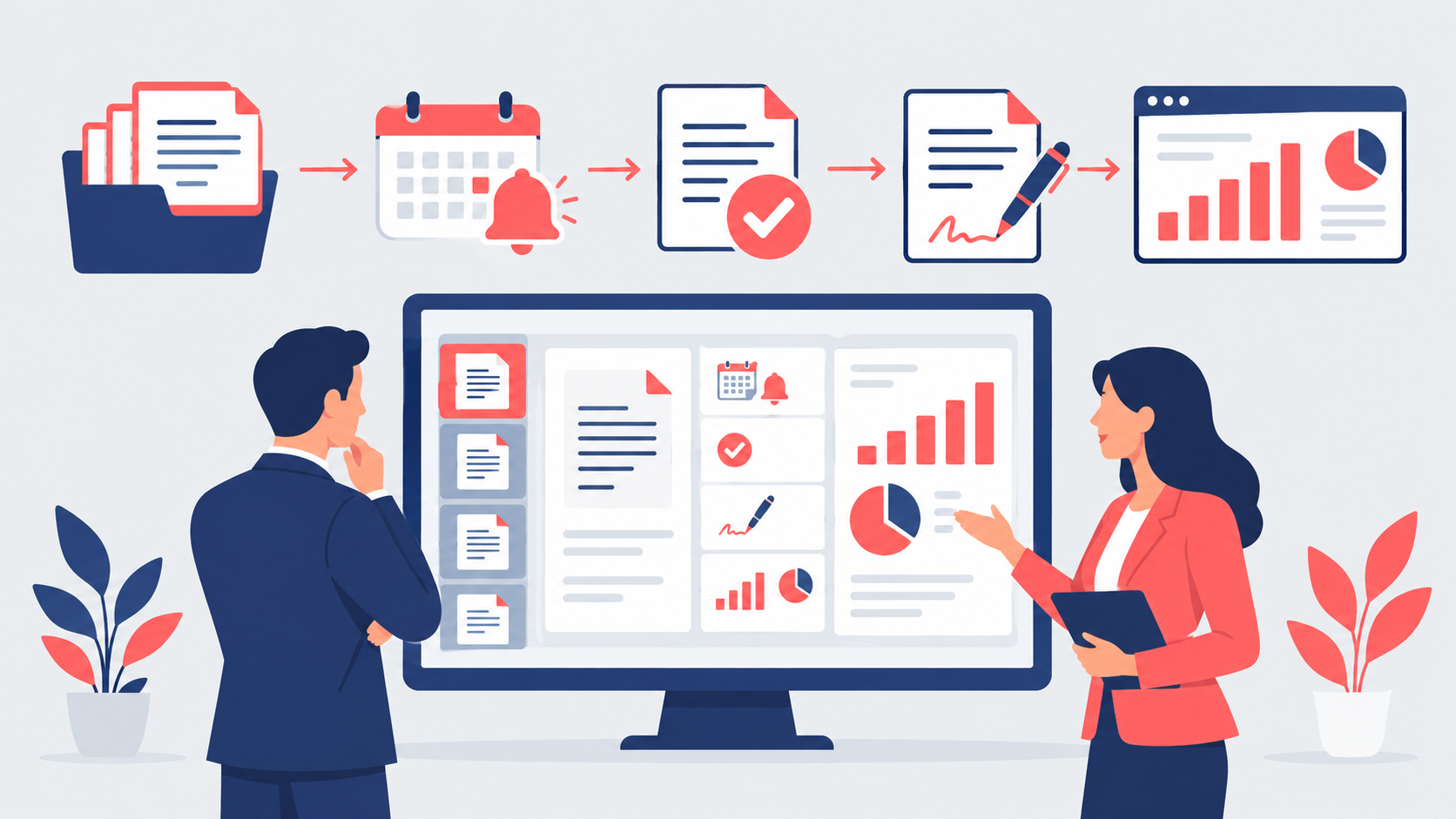
- Reporting — pulling figures from several systems on a schedule into one dashboard or weekly email.
- Onboarding — creating accounts, sending documents and assigning tasks when a new starter or client is confirmed.
- Customer service triage — classifying incoming emails with an AI step and routing them to the right queue.
- System sync — keeping customer, product or stock data consistent across tools that do not talk to each other.
- Alerts — warning managers when a KPI moves, a payment is overdue or a stock level drops.
How a first n8n project works
Start with one process, not a platform rollout. Map the current steps, who does them and how long they take, then pick the workflow with the clearest saving and the lowest risk. Our guide to business process automation for SMEs sets out how to choose that first candidate.
Build it in a test environment, run it alongside the manual process for a couple of weeks, and only switch over once the results match. Keep a human approval step wherever money, contracts or customer commitments are involved. Document each workflow — what triggers it, what it changes and who owns it — so it does not become a black box that only one person understands.
Picture a 60-person engineering supplier whose sales coordinator spends a day a week copying enquiries into the CRM and chasing quotes. A single n8n workflow captures enquiries from the website and shared inbox, checks for existing customers, creates the CRM record, drafts a summary with an AI step and posts it to the sales channel. Within a month, response times fall from days to hours and the coordinator's day goes back to customer work.
Governance, security and choosing help
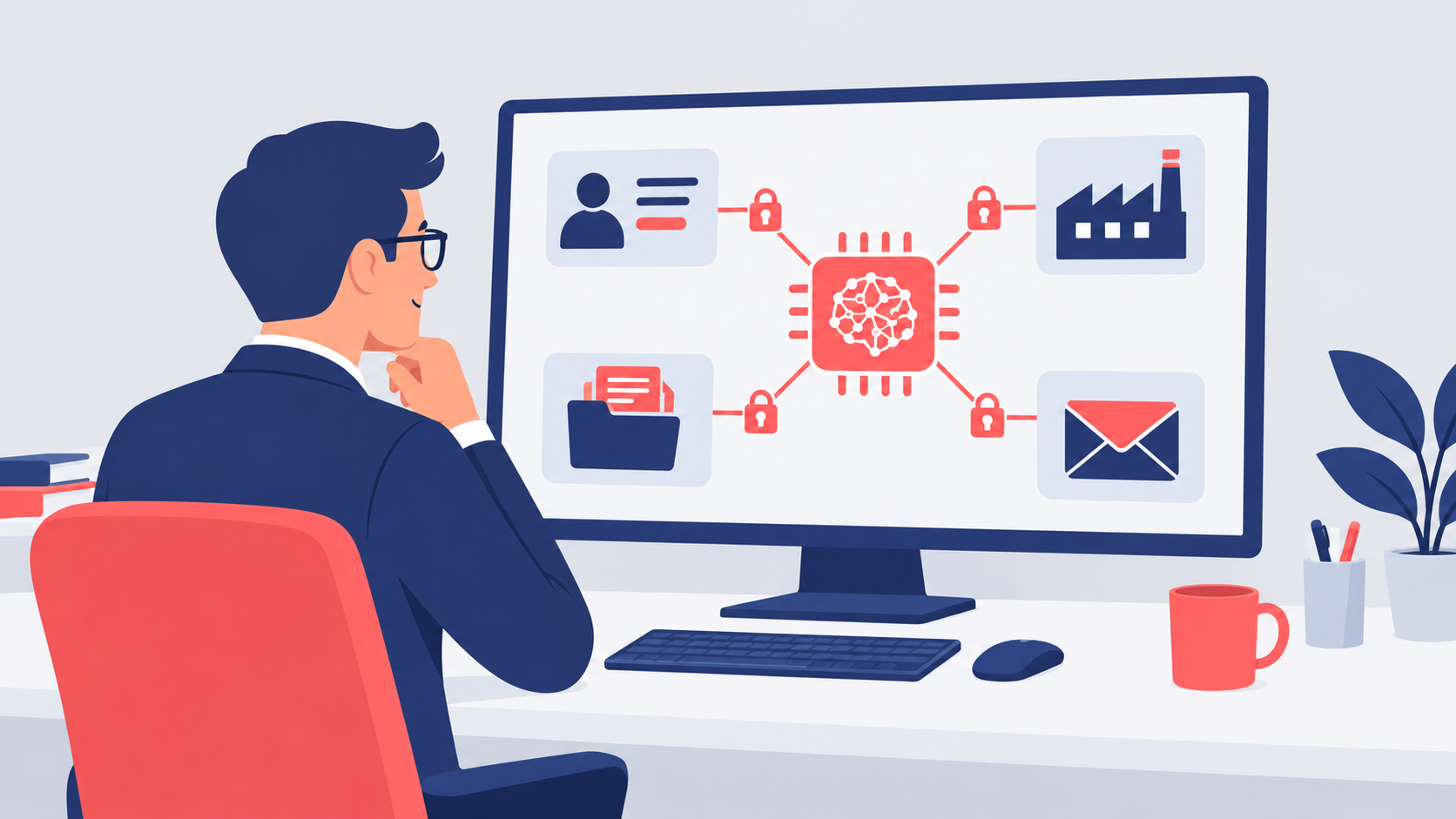
Automation moves data, so it brings data protection duties with it. The ICO's guide to accountability and governance makes clear you must be able to demonstrate compliance with UK GDPR — which means knowing what personal data each workflow touches, where it goes and why. Store credentials securely, limit who can edit live workflows, keep n8n updated and log what runs. If staff are already wiring up automations and AI tools on their own, read our guide to shadow AI first.
When choosing help, look for experience of integration and operations, not just the tool itself; a clear view on hosting, security and ownership; sector knowledge; a fixed-scope first project; and no long-term tie-in. Our AI consultancy service and the technology and operations leaders on our bench can scope, build and hand over a first workflow in weeks.
Frequently asked questions
Is n8n free to use?
Is n8n better than Zapier or Power Automate?
Do we need developers to use n8n?
Is n8n safe for personal data under UK GDPR?
How long does a first n8n automation take?
Ready to automate your operations?
Leadership Services gives UK scale-ups access to a bench of 500+ senior directors, including technology and operations leaders who can identify the right processes, build your first n8n automations and put proper governance around them. Engagements start from £1,795 per month, begin within one week and have no long-term tie-ins — get in touch and we will respond the same working day.